Background
In the northeast it gets really cold and, unfortunately for me, I like to do most things really early in the morning. This means there's usually a nice layer of ice, a cold engine bay, and a freezing car waiting for me before I can begin my day.
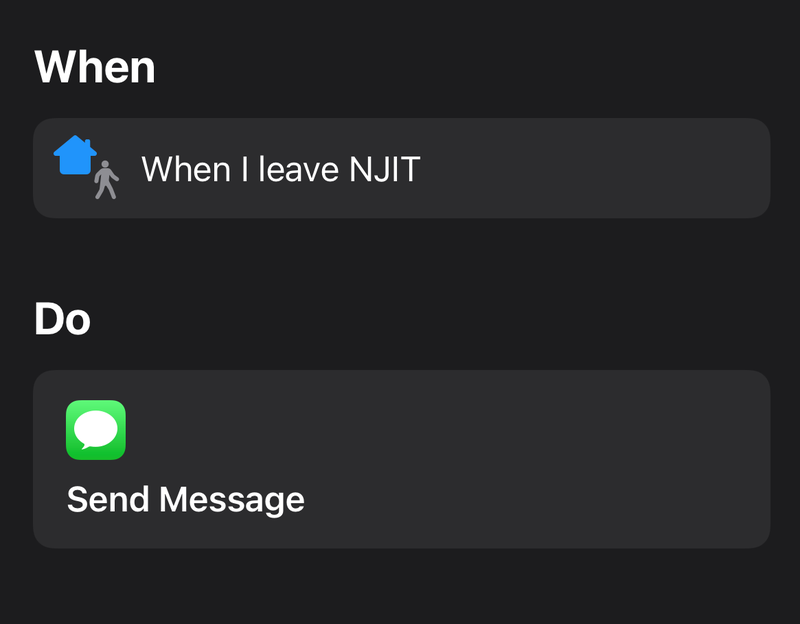
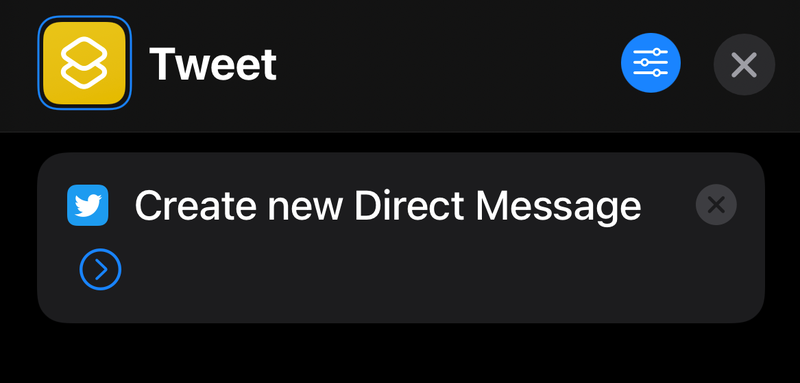
I recently got an iPhone, which allows users to create mini-programs and automations on their phones using Shortcuts. These shortcuts can be anything from toggling your cellular data on/off to sending a text message to your family when you leave work. Shortcuts also let you integrate with apps. For example, you can use Shortcuts to script and automate a Twitter DM.
I wanted a shortcut that would automatically start my car after my alarm rings in the morning. Unfortunately, the MyMazda app, which allows me to start my car, does not have any integrations for Shortcuts, meaning that simply setting something up on my phone isn't enough.
Shortcuts, however, lets you make web requests. So if I can use that to ping a server that communicates with my car, then I will be able to automate my car starting up on cold days.
The server
For the physical server hardware, I set up a Raspberry Pi to do the job. It uses low power and has enough processing power. I used Python Flask (a microframework) to handle the web requests coming into the Raspberry Pi. The Flask server used the pymazda library to communicate with my car and give it instructions to start the engine and perform other actions.
The server has 3 API endpoints: one to start the car, one to unlock the doors, and one to lock the doors.
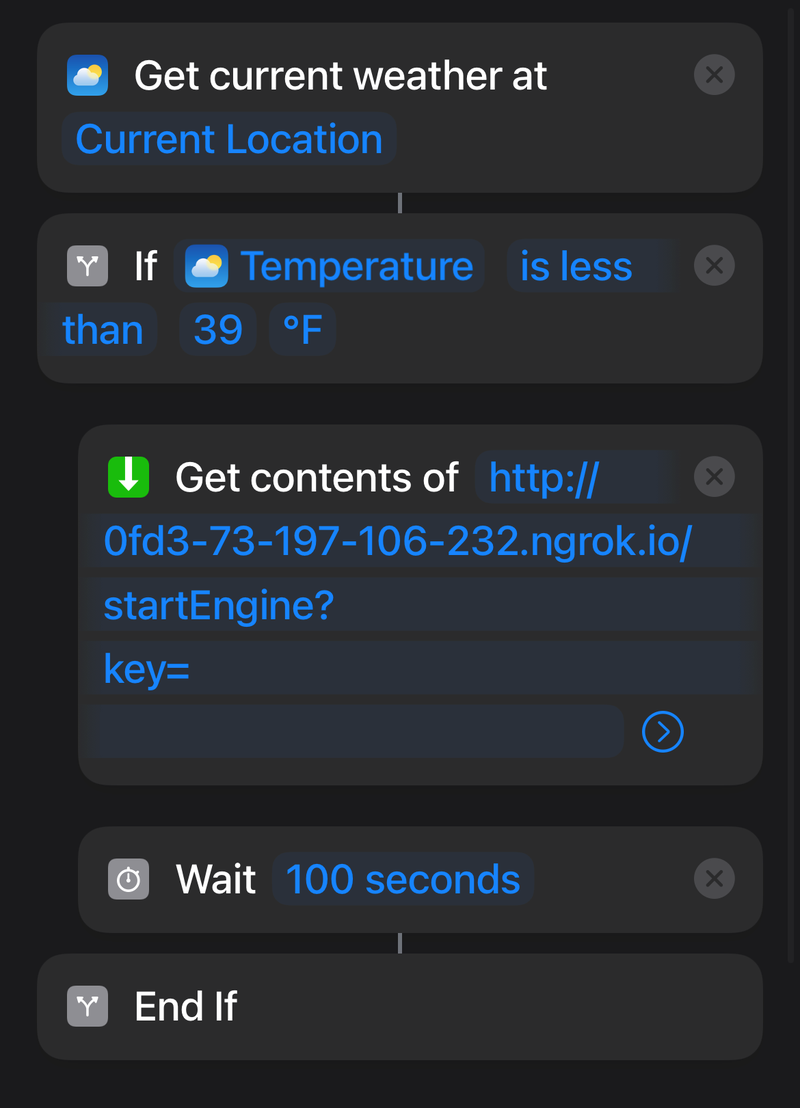
I didn't want my endpoints to be publicly accessible, so I pulled some inspiration from APIs that I have used in the past. All requests made to the server must contain a key variable as a parameter. If, and only if, the key is correct will the web server execute the request and communicate with my car.
The Shortcut and Automation
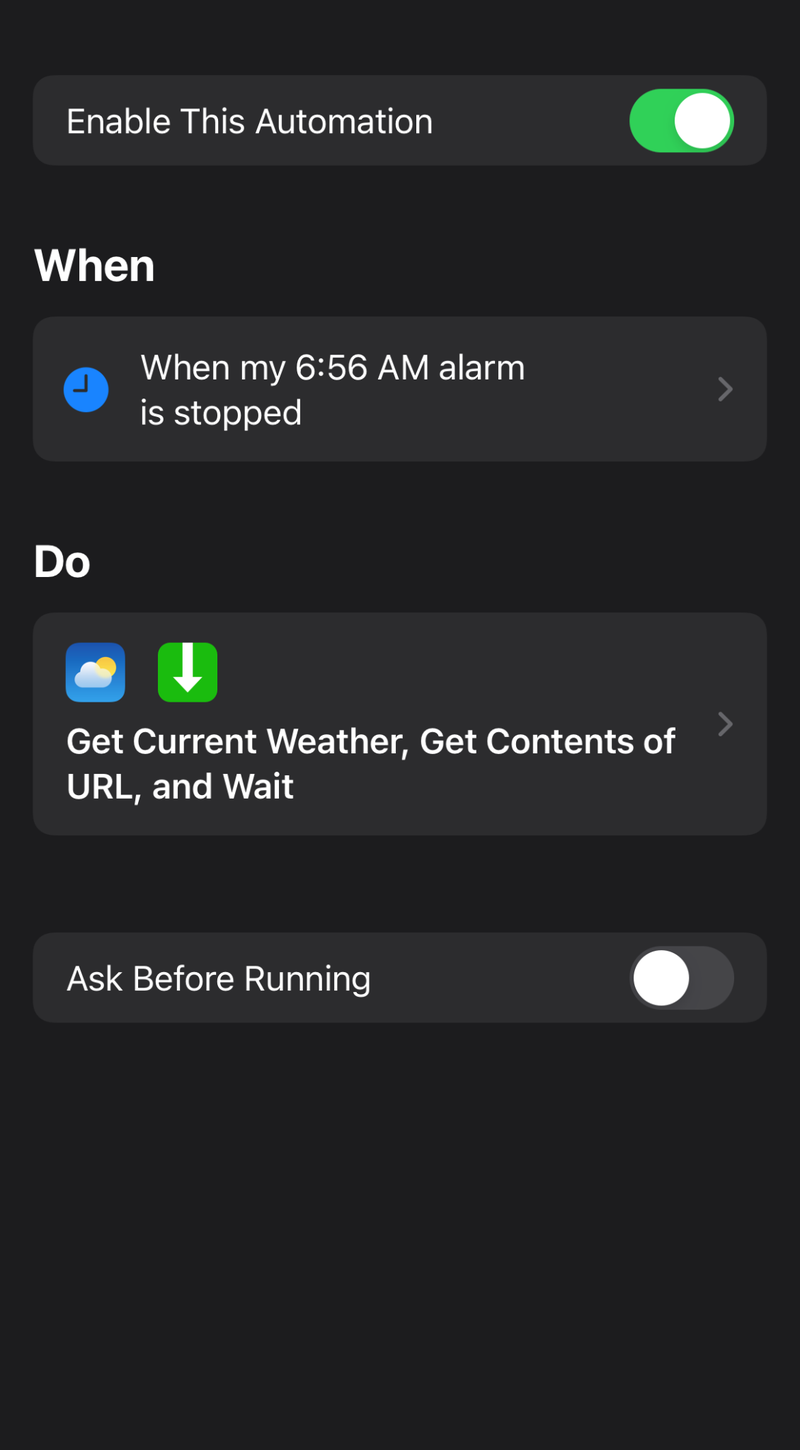
With the server running, the only thing left was to make the shortcut that starts the car after my alarm rings.
I added some logic to the shortcut to only start the car if it is sufficiently cold outside, so I wouldn't be burning gas needlessly.